Pocket Pad
Product Design, Interaction Design, Usability Testing, Hardware Exploration
TEAM
2 UX Designers
2 UX Researchers
TIMELINE
September 2024 - December 2024
4 Months
OVERVIEW
Pocket Pad is a cross-generational communication system that helps adults and their parents stay connected despite busy lives and technology barriers. It combines a tactile note device for parents with an iOS home screen widget for adults, enabling simple, personalized, and emotionally meaningful interactions. While existing tools keep families in touch, they often make communication feel transactional rather than warm.
ROLE
UX Designer
Led the design of the iOS widget from concept to prototype, ran usability tests, guided feature prioritization, and contributed components to a shared design system to ensure coherence across physical and digital touchpoints.
IMPACT
Delivered a dual-interface system tailored to adults and parents with different interaction needs.
Refined flows that reduced hesitation for parents and made adult participation effortless from the home screen.
Allowed parents to initiate communication independently and reduced reliance on adult setup or prompting.
Validated ergonomics and notification cues through 3 hardware explorations.

The Challenge
Text threads and video calls often feel like chores rather than moments of connection. Existing tools optimize for efficiency, but not emotional presence.
Understanding the Problem
To understand how families stay connected across distance, we studied the emotional and behavioral barriers that prevent communication from happening naturally.
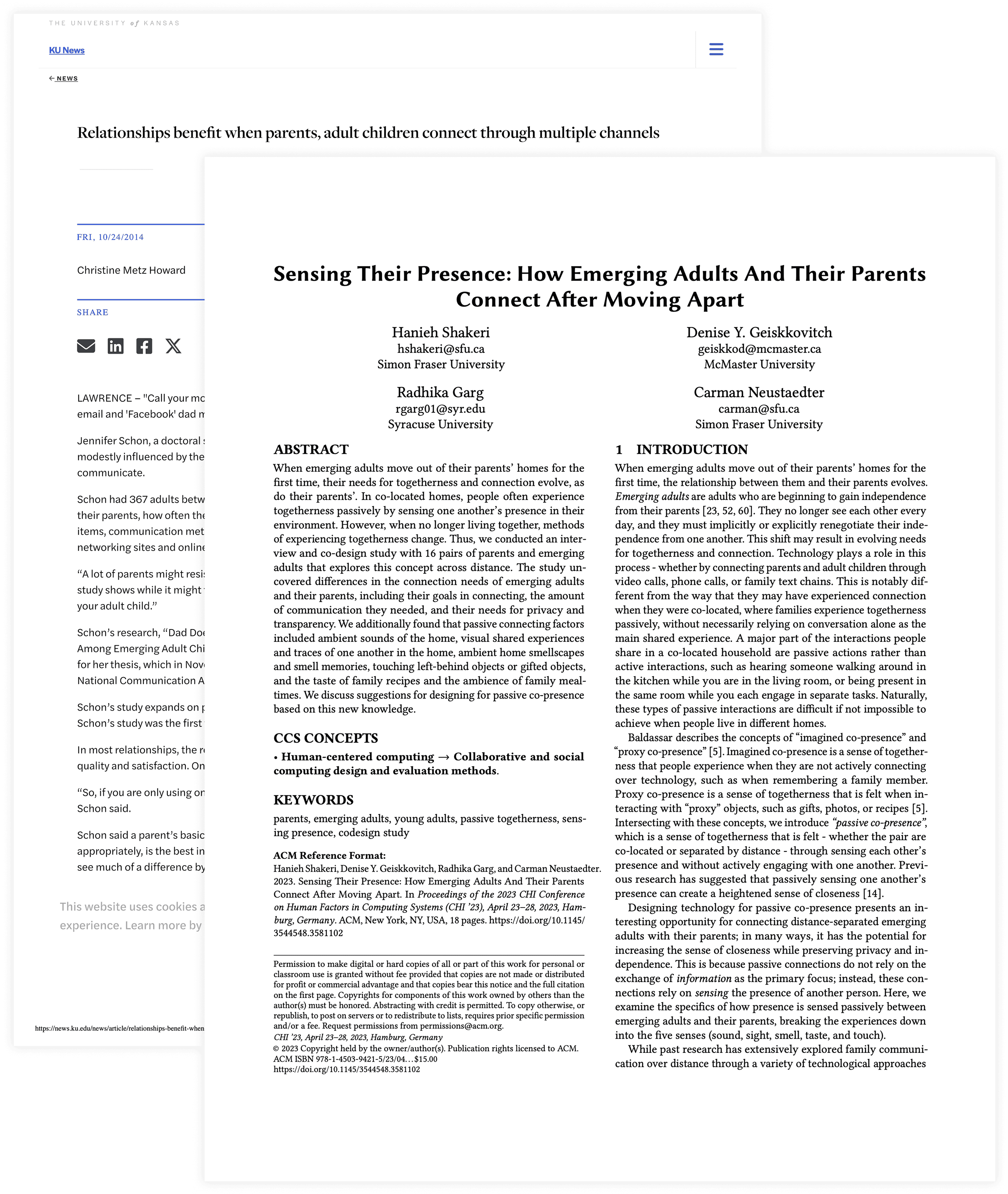
Secondary Research
6 academic papers and 7 community forums on long distance family dynamics.
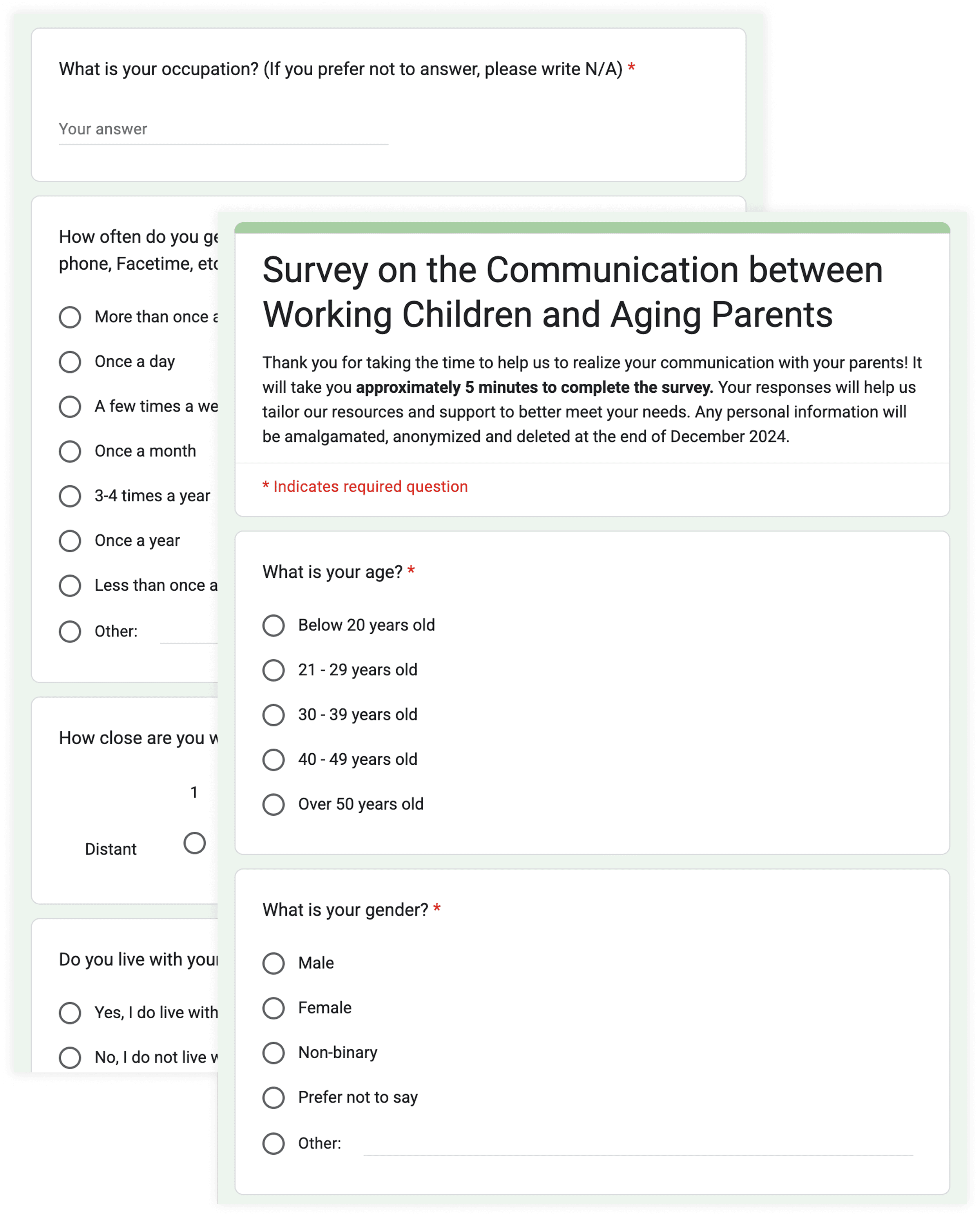
Surveys
60+ responses from adults living apart from their parents.
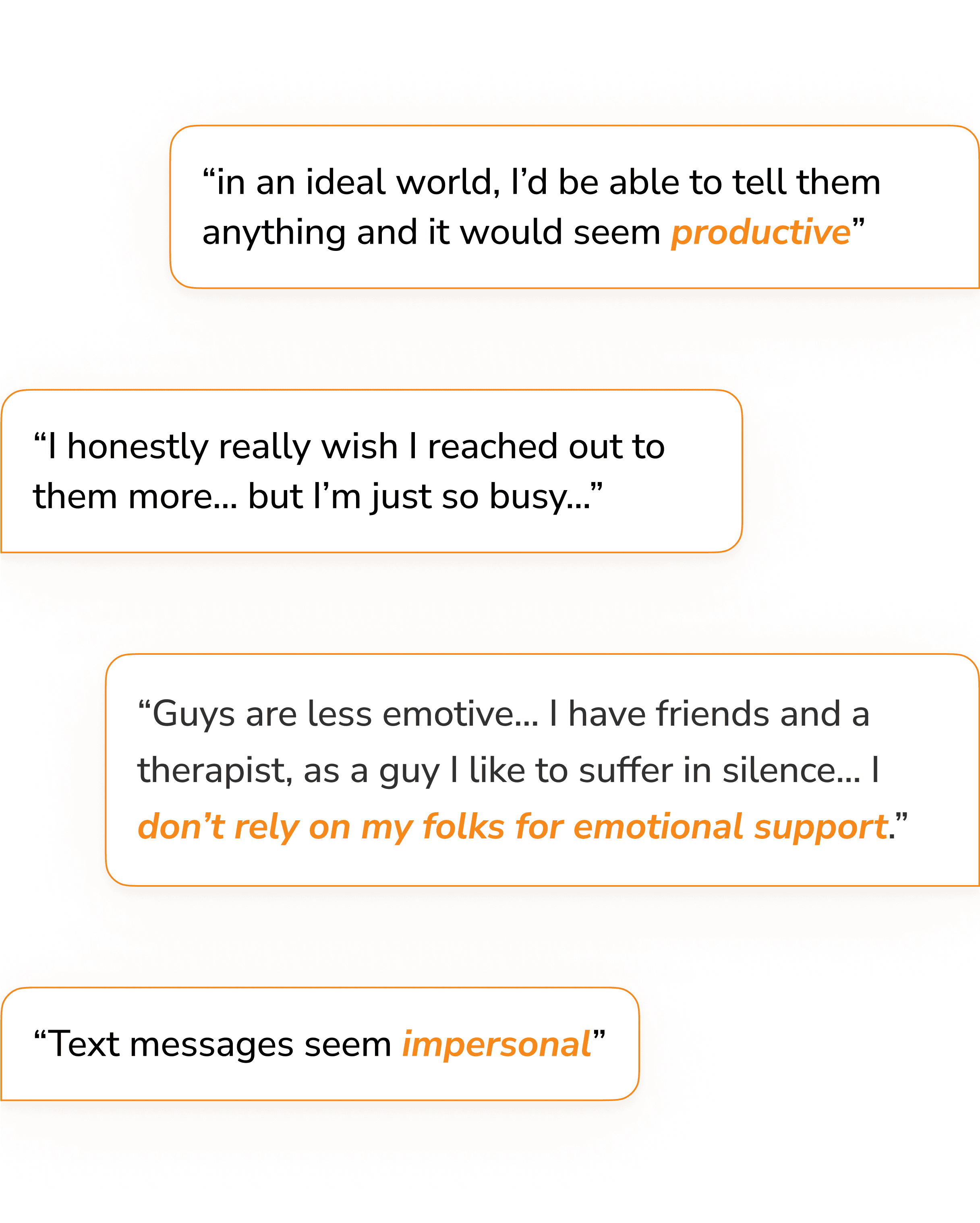
User Interviews
5 adults and 4 parents to understand what “staying close” means in daily life.
Key Tensions
The core tension was not motivation, but friction and emotional effort.
Adults want low-effort ways to connect that fit naturally into their routines.
Parents want tangible and personal interactions that feel intentional rather than digital.
Existing communication tools feel unnatural and fail to replicate shared physical experiences.
Designing for 2 Generations

AMY, 35
The Overwhelmed Daughter
A busy professional who wants low-pressure ways to stay connected without adding another obligation.

AGNES, 78
The Digital Newcomer
A tech-cautious parent who misses her daughter but hesitates to initiate communication.
Design Goals
Fit into adults’ daily routines without extra burden.
Support asynchronous and low effort interactions.
Accommodate parents with low tech confidence.
Feel tactile, genuine, and emotionally warm.
Concept Exploration
We explored three directions before converging on Pocket Pad.
🎥 Warm Watchparty
A shared TV reaction experience. Personalized but high effort and difficult to sustain.
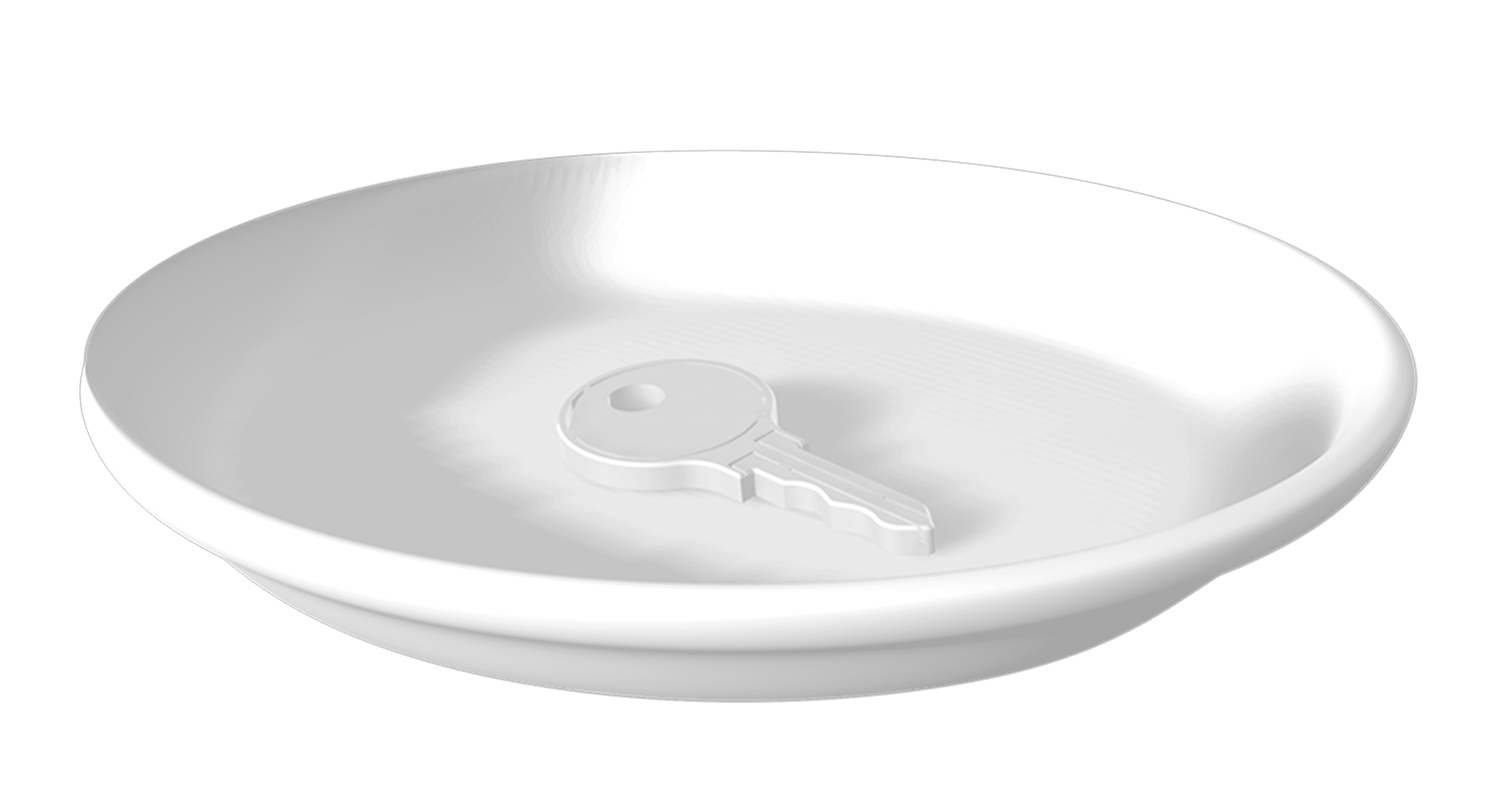
🍽️ Feeling Plate
A smart surface translating daily actions into messages. Effortless but emotionally impersonal.
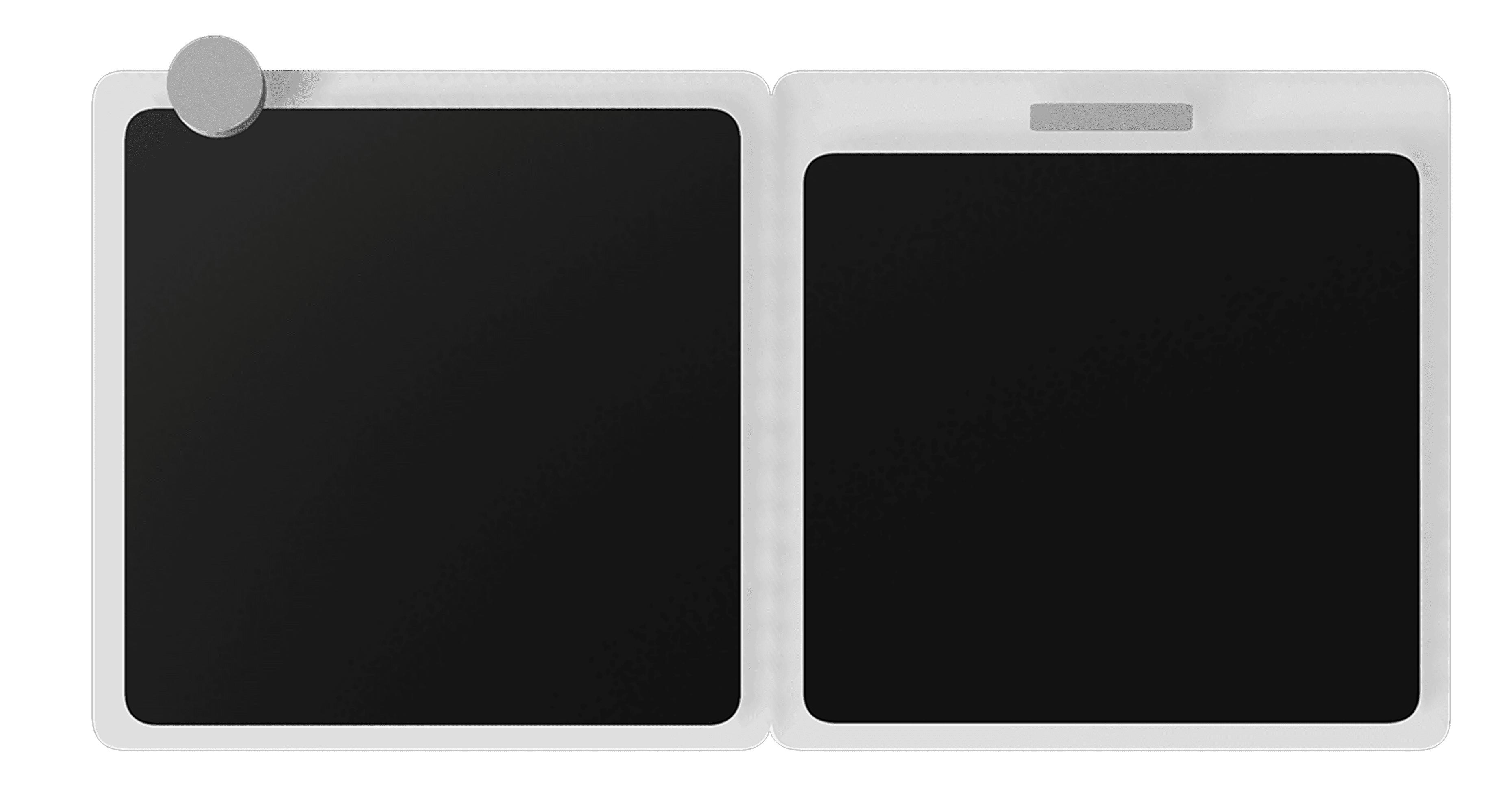
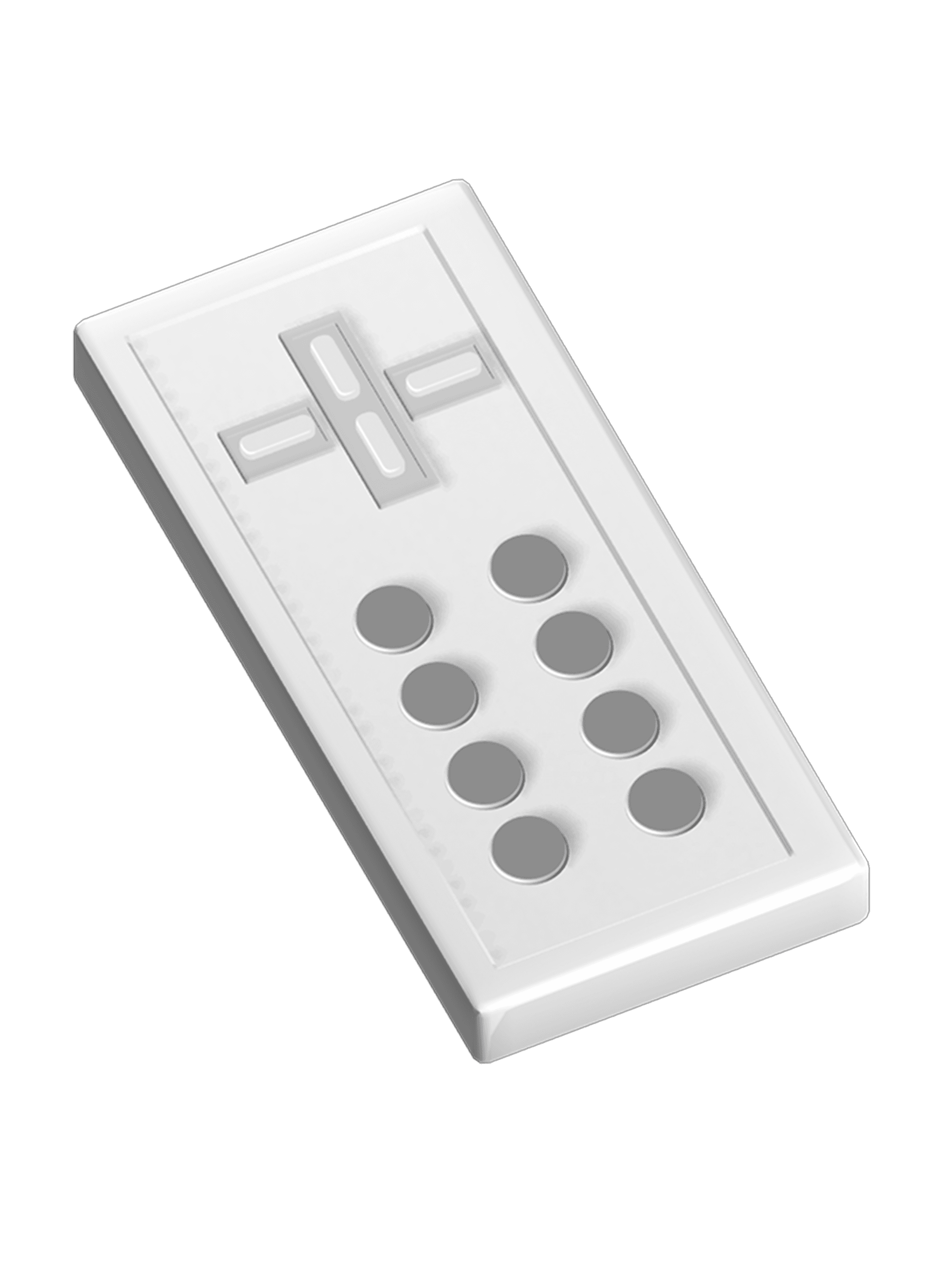
✏️ Pocket Pad
A pocket-sized device for handwritten notes. This balanced effortlessness for adults and emotional intentionality for parents, which aligned most closely with our design goals.
Iterating the Experience
We ran 5 moderated usability sessions with adults and parents to refine interaction flow and emotional tone.
INSIGHT 1
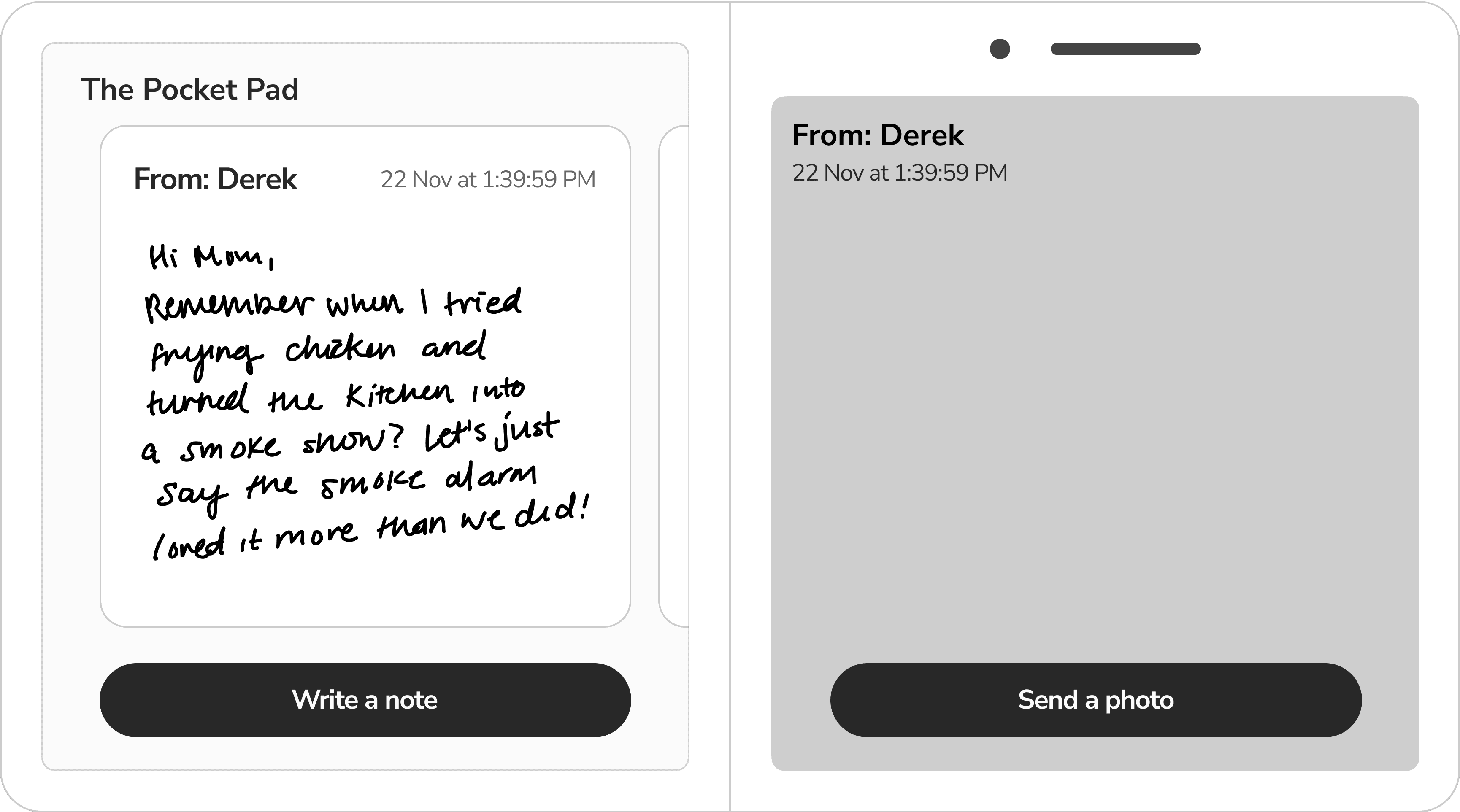
Adults didn't want to use a second device.
BEFORE
Adults liked the emotional idea but felt a separate device added friction to their daily habits.
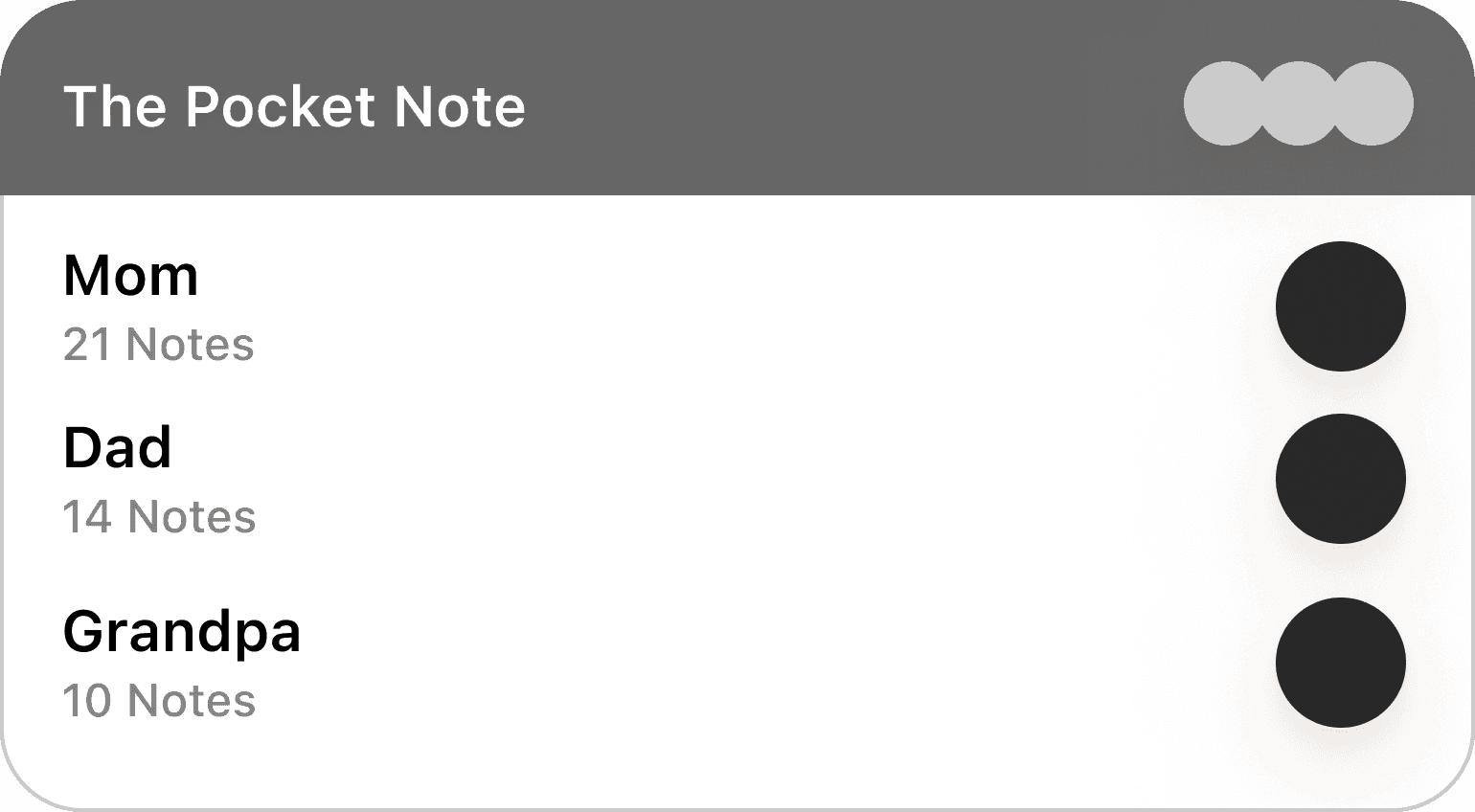

AFTER
An iOS home screen widget allowed adults to send notes or photos directly from their phone. In follow-up tests, adults described it as “something I’d actually do between meetings.”
INSIGHT 2
Recipient selection after writing broke familiar messaging patterns.
BEFORE
The “Send to” step appeared after writing a note, which broke expected messaging patterns.
AFTER
Selecting the recipient first and adding clear visual cues reduced hesitation and aligned the flow with familiar messaging patterns.
INSIGHT 3
Prompt cards lacked clarity.
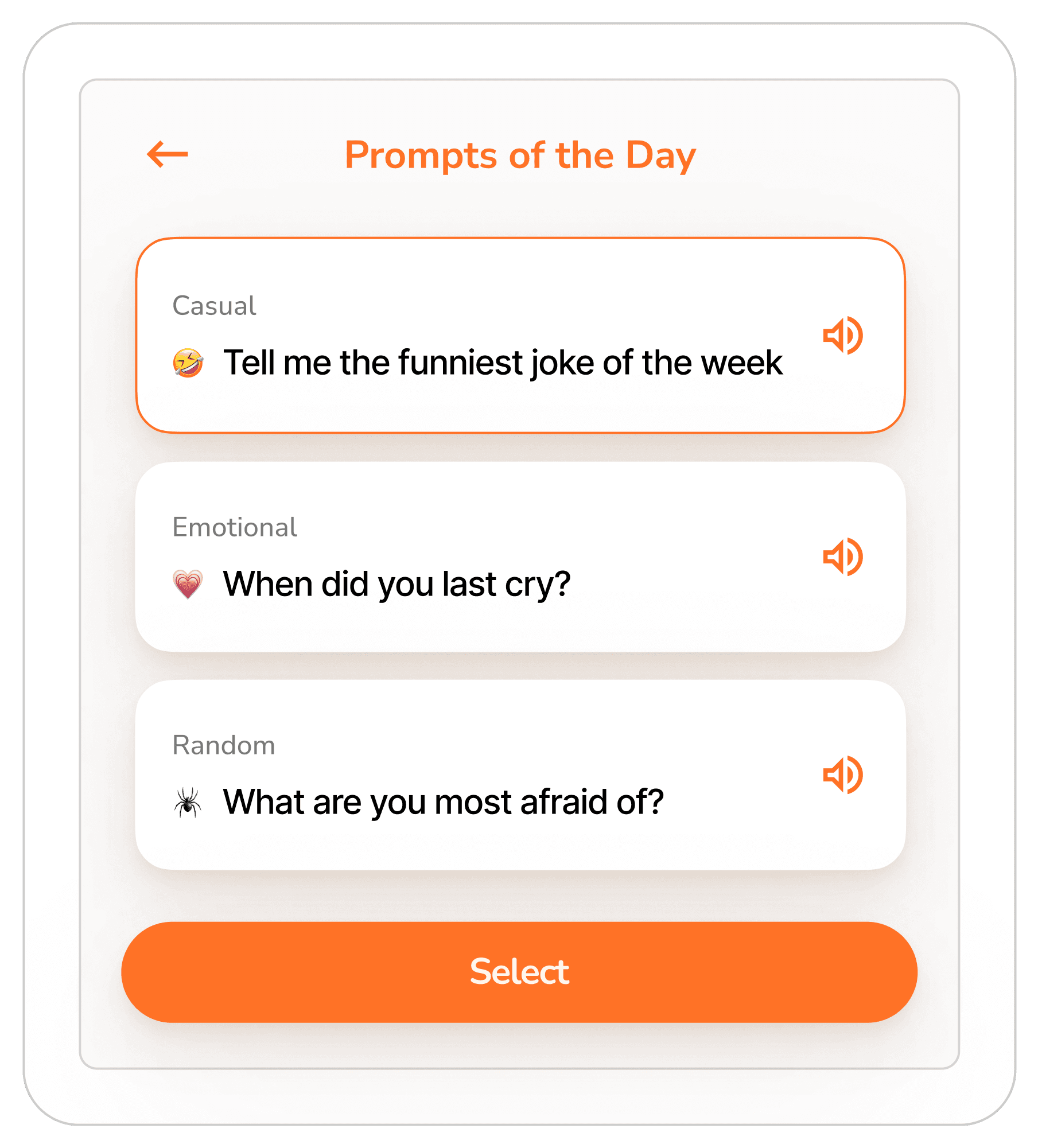
BEFORE
Weak hierarchy and low contrast caused parents to skip prompt cards.
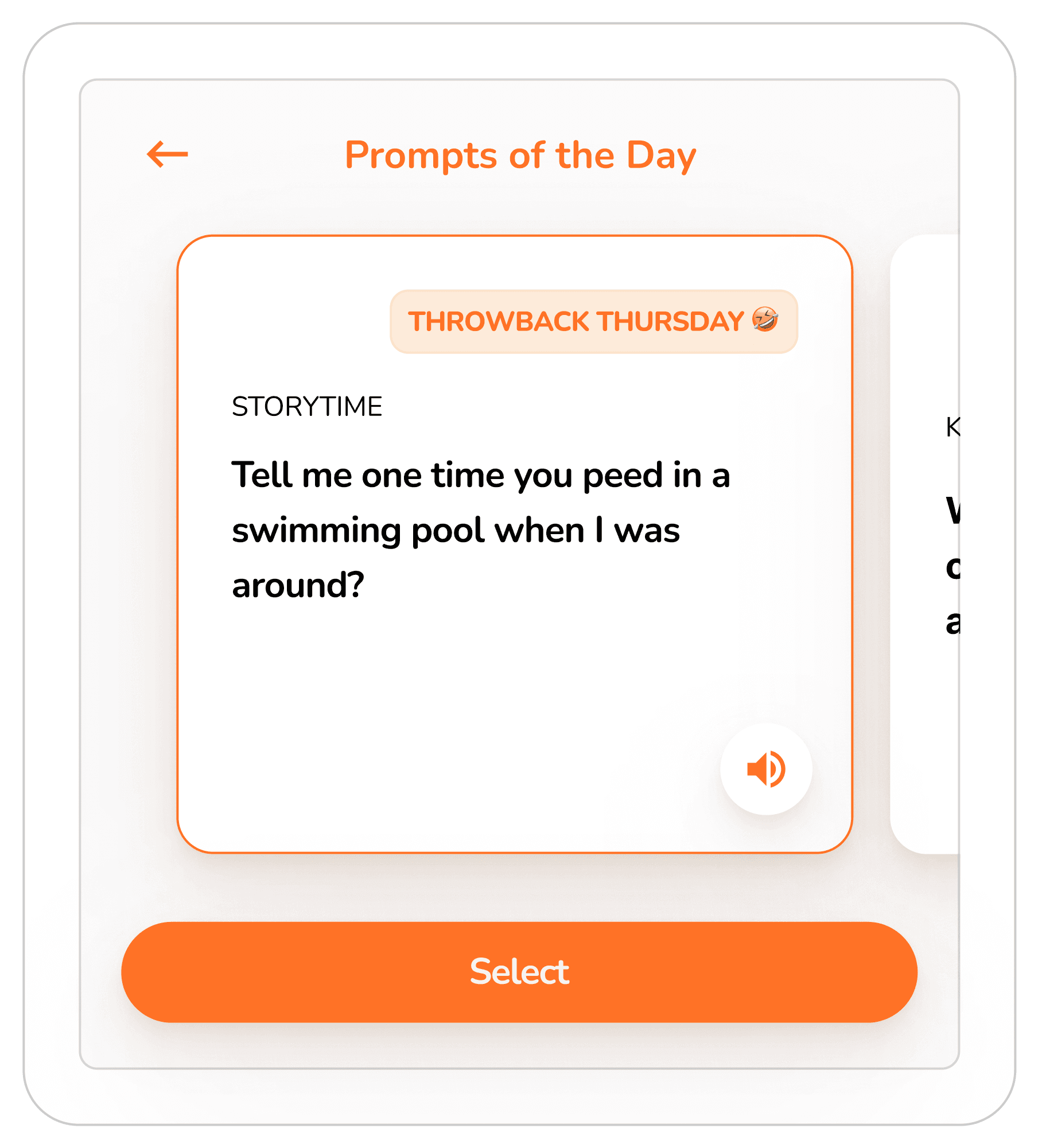
AFTER
Swipeable horizontal cards with clearer contrast and lightweight onboarding made prompts more approachable and increased engagement.
INSIGHT 4
Custom emoji reactions were unfamiliar.
BEFORE
Drawing custom emojis added high effort, low satisfaction, and broke emotional momentum.
AFTER
Replacing them with native iOS emojis reduced cognitive load and allowed instant reactions.
Final Designs
Accessible Design
Large text, clear iconography, and simplified navigation reduced hesitation for parents.
Handwritten Notes
Parents could send tactile and personal messages with a minimal learning curve.
Prompt Cards
Suggested thoughtful gestures while reducing emotional tension.
iOS Widget for Adults
One-tap note or photo sending without managing another app or device.
Hardware Explorations
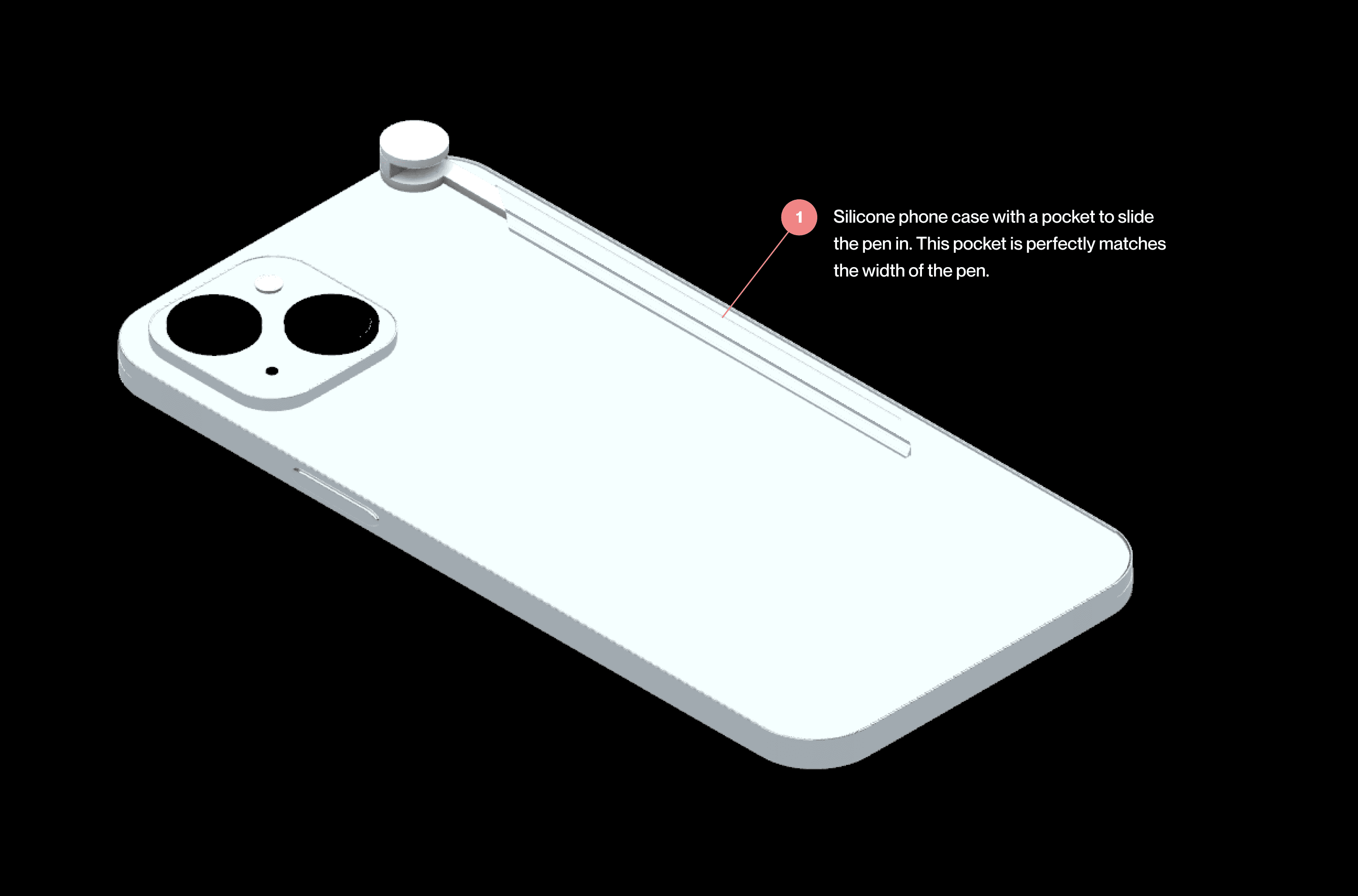
Phone Case
Integrated a secure pen holder while maintaining a slim profile.
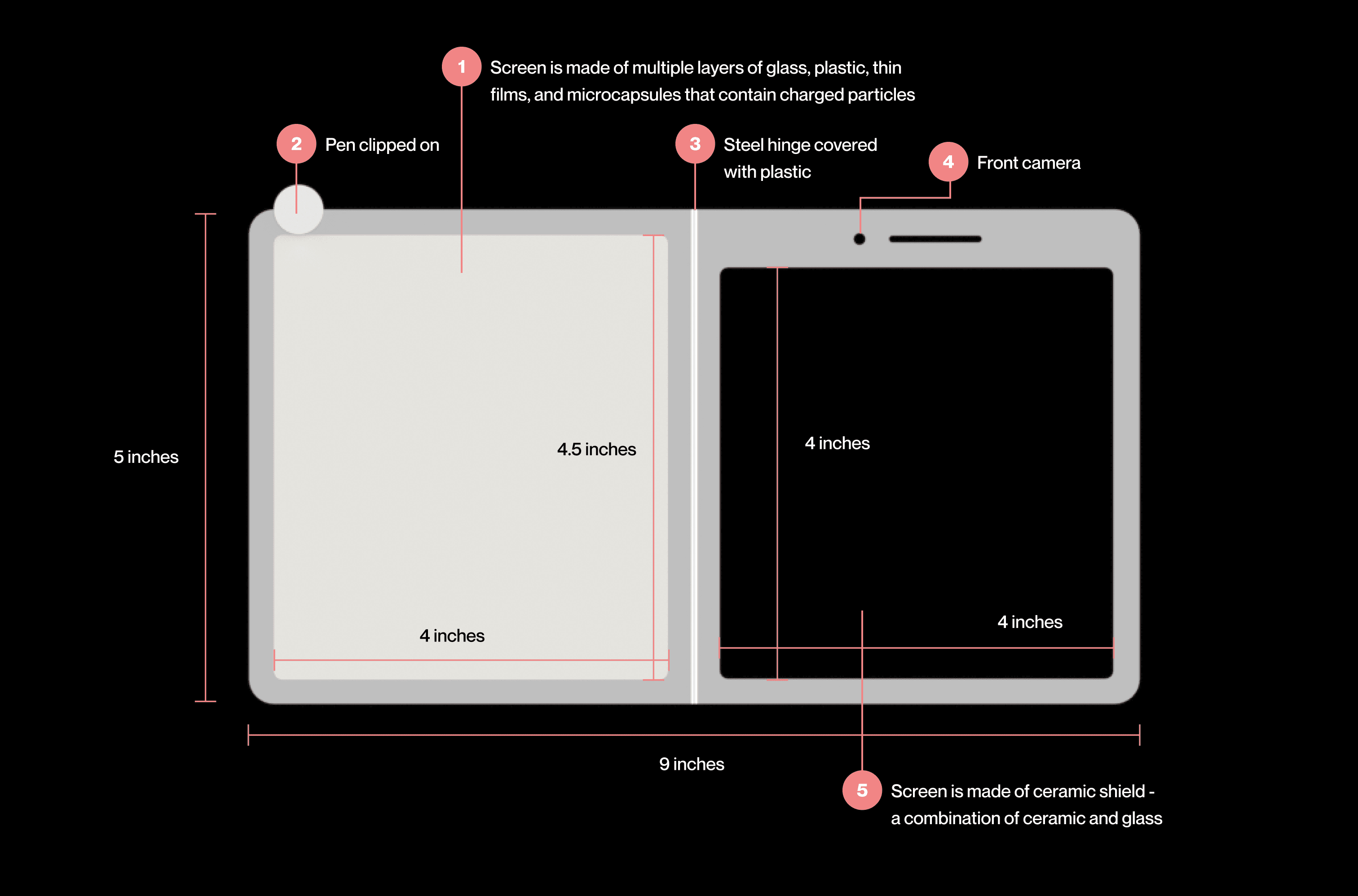
Pocket Pad
Combined Kindle-inspired readability with iPhone-like proportions for familiarity.
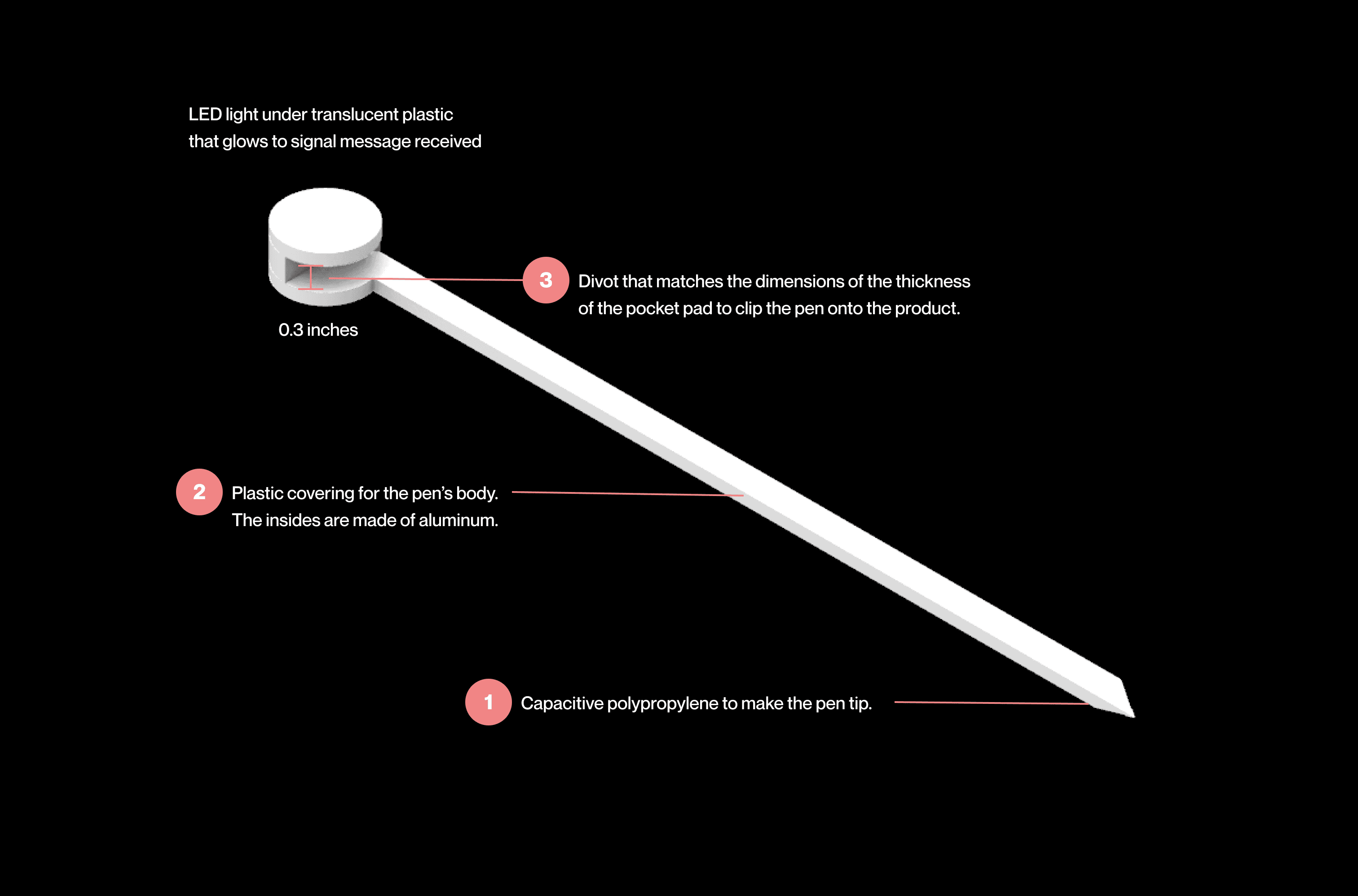
Pocket Pen
Featured a glowing tip to signal incoming messages.
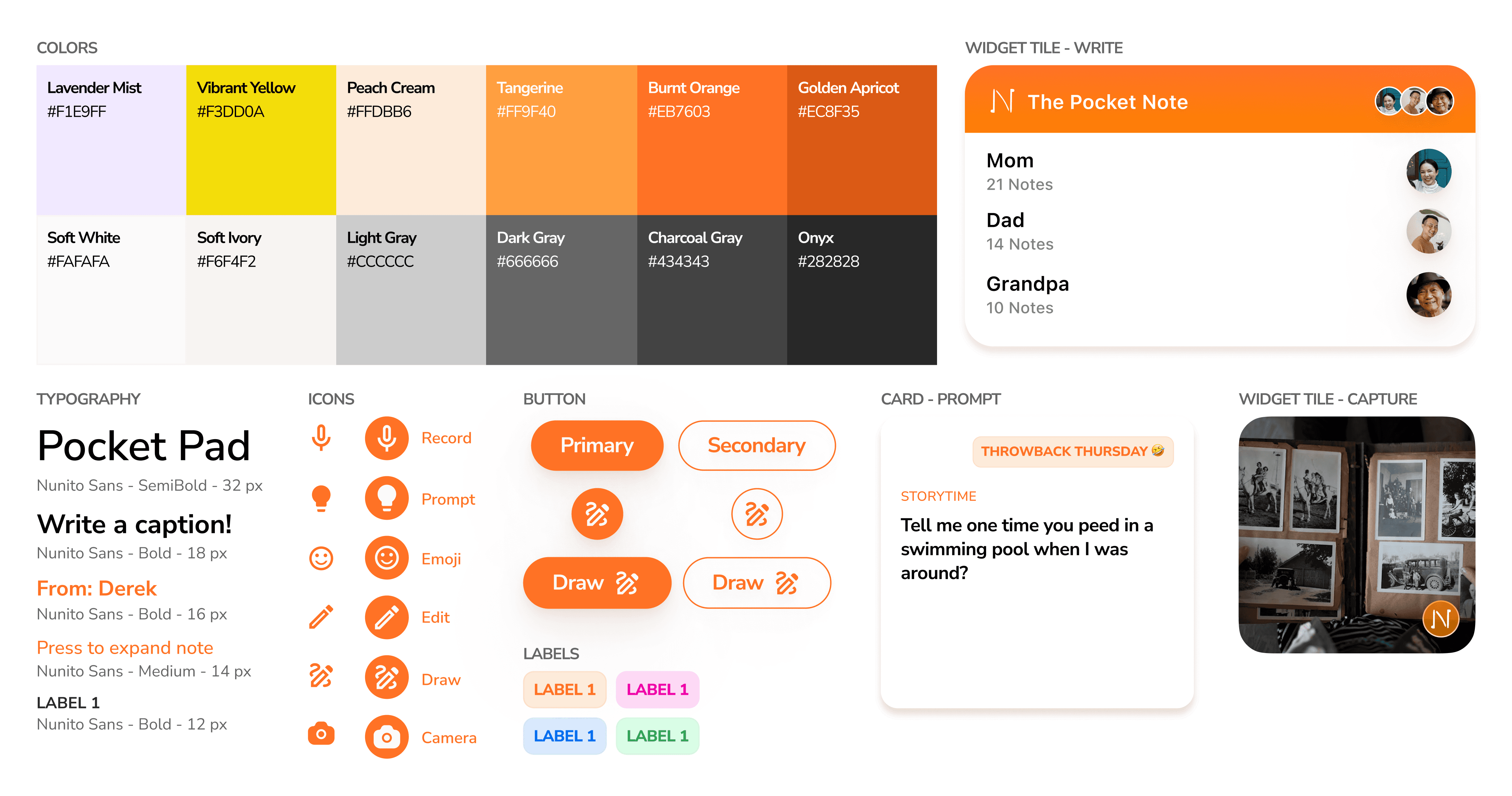
Shared Design System
I contributed components including prompt cards, widget tiles, and buttons to a shared design system, ensuring consistency across physical and digital experiences.
Reflection
Designing for cross-generational connection revealed that “effortless” means different things to different people. Adults value speed, while parents value tangibility. Balancing these needs transformed technology into something that felt human.
If more time allowed, I would expand prompt variety, test long-term use, and explore haptic cues that reinforce physical and digital empathy. This project reinforced that emotional authenticity is a usability metric because when something feels genuine, people use it without being reminded.